


PC World has experienced a version of Windows 10X that can be considered the most complete. And the first impression is… “boring.” This operating system is designed by Microsoft in a very simple way, not cluttered and chaotic like traditional Windows. Or one could say Windows 10X is Microsoft’s most “pure” operating system.
Compared to the first leaked version a year ago, when Microsoft envisioned Windows 10X as the future of dual-screen devices, there are very few changes. Apart from the graphics and design of the icons, which have been revamped. But there is a significant difference; Windows 10X is now designed for computers with a single screen.
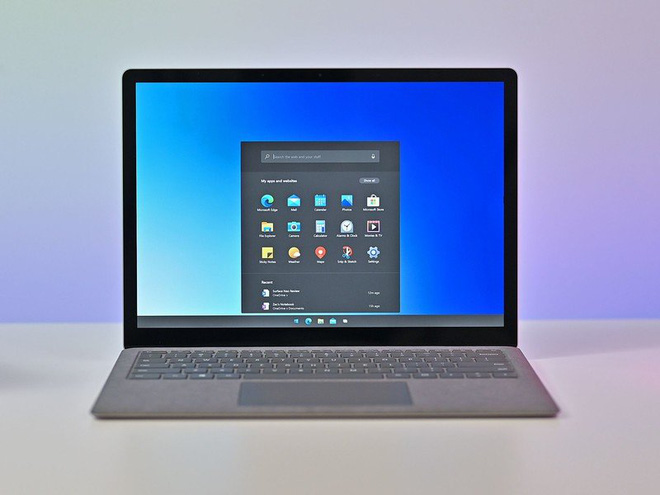
The latest leaked build is version 20279, which can only run on one of Microsoft’s Hyper-V virtual machines. Keep in mind that you may not have the chance to download and install Windows 10X yourself. Because Microsoft’s intention is to pre-install this operating system on affordable PCs, meaning it will only be provided to computer manufacturers.
Starting Windows 10X
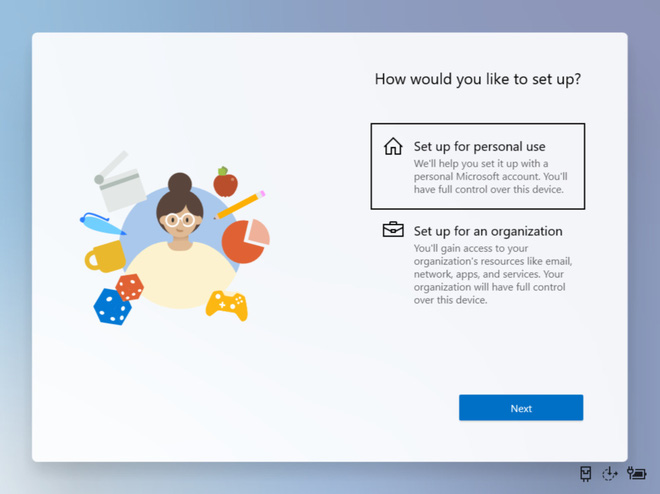
Simplicity starts right from the initial setup. However, Windows 10X will require users to have a Microsoft account to begin. There will be two options: personal computer or organizational/business computer.
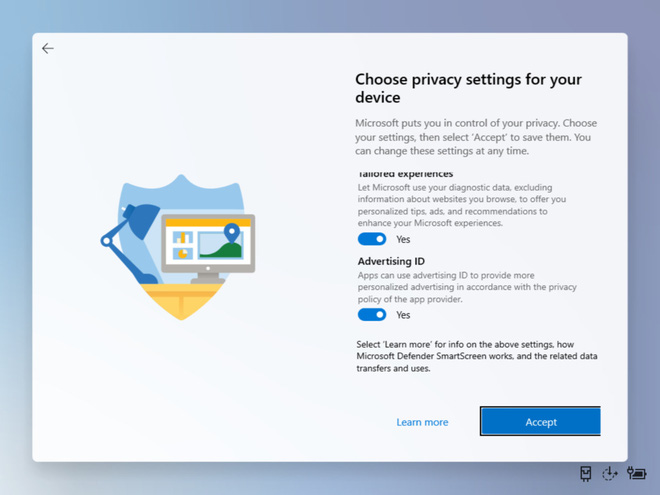
Then comes the privacy options, which seem to have become a highly controversial topic recently. Windows 10X allows you to choose whether to provide personal data for targeted ads.
Main Interface of Windows 10X
It must be admitted that the main interface of Windows 10X may shock many users. Because it is too simple, with a search bar at the top, followed by a list of applications and below are recent documents.
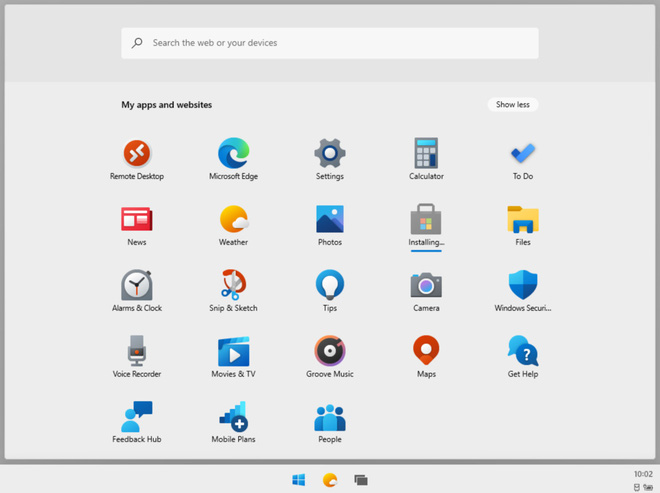
There is no familiar Start menu in the bottom left corner. No vibrant Live Tiles. The Start menu is now just a monochrome icon at the bottom, which, when clicked, slides up to reveal an “application drawer” quite similar to that of a Chromebook.
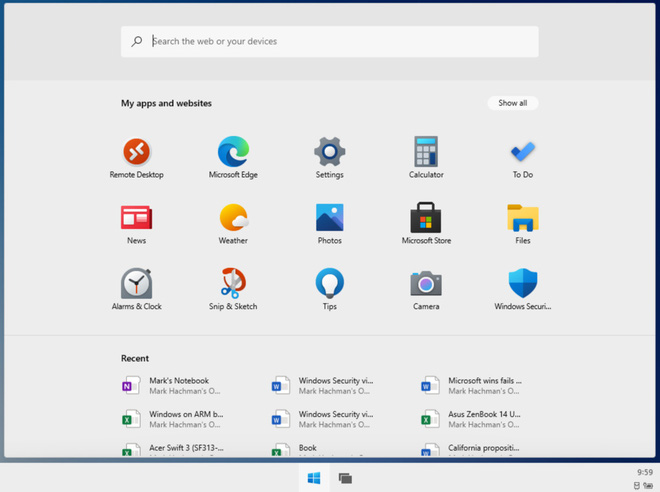
In this “application drawer,” you can see items like Settings, Calculator, To Do, News, Weather, and Photos. It seems that users will not be able to customize the applications in this drawer.
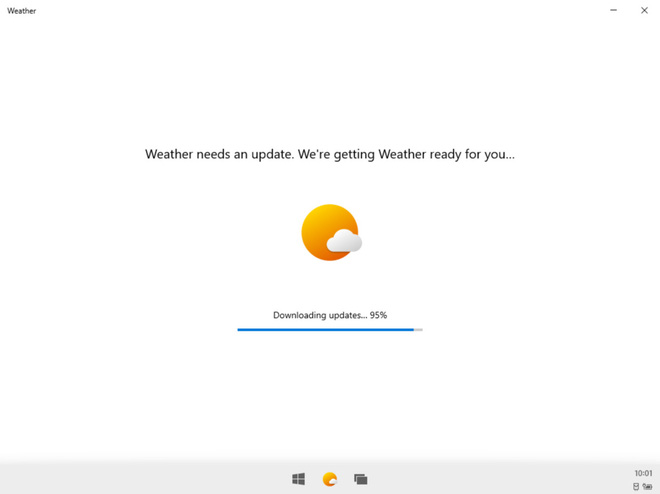
Edge seems to be the default and only browser. It is not surprising that Microsoft also restricts the applications you can install, only allowing downloads of applications available on the Microsoft Store. When attempting to download and install the 7Zip software outside of the Microsoft Store, it simply disappeared without leaving any trace.
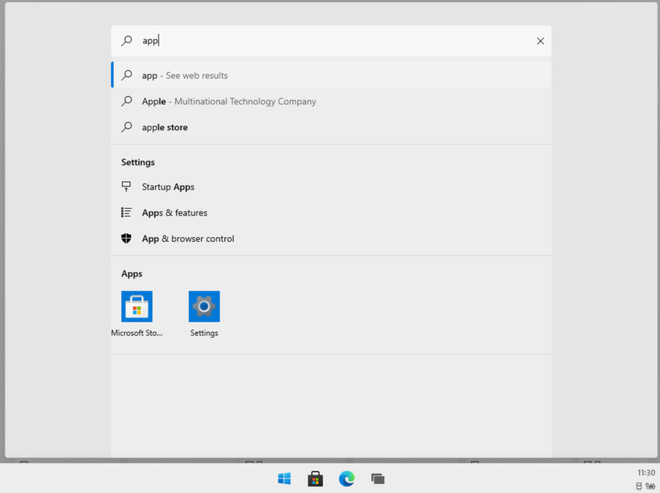
The search bar at the top proves to be quite useful. You can enter keywords and the search bar will display results from the web, store, and even data stored on the device if there is a match.
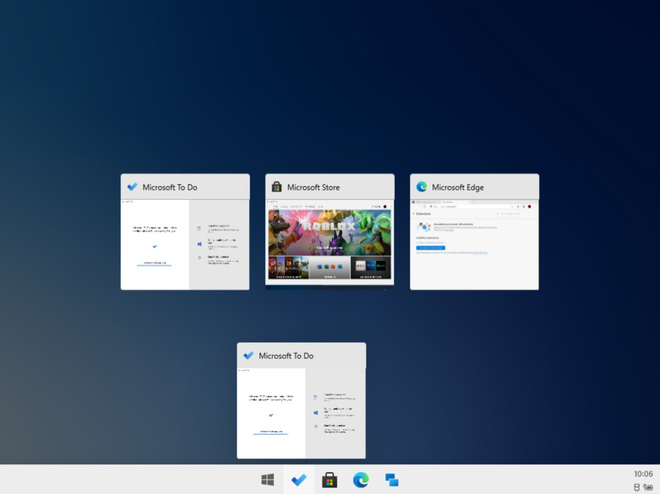
Applications can run in half-screen mode or full-screen mode. Microsoft also retains the Task View mode from Windows 10, allowing switching between applications using the familiar keyboard shortcut ‘Alt + Tab’, or by clicking on the small application icon at the bottom.
Windows 10X still retains the Action Center in the bottom right corner. The Action Center can display email or message notifications, has many quick customizations, access to Settings, restart or shut down.
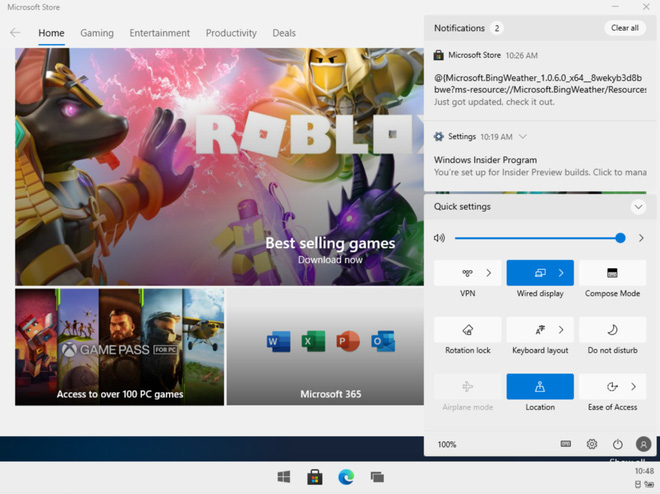
In summary, Windows 10X is improved by Microsoft for low-cost single-screen PCs rather than for dual-screen devices as before. But it can be seen that the interface and design of Windows 10X are very similar to that of a tablet, and it is too simple. Perhaps Windows 10X will be suitable for learning and office work devices, a small competition with Google’s Chrome OS.
Source: pcworld