


The habits you have when using your computer significantly affect its lifespan. Only when you know how to use it properly can your computer avoid damage and stay with you for a long time. Here are some habits you should avoid immediately if you don’t want to say goodbye to your beloved computer too soon.
Leaving the case open
Many people believe that leaving the case open will keep it cool, and that being cool is good for the components. That’s partly true, but only if your environment is dust-free; if not, then forget it.
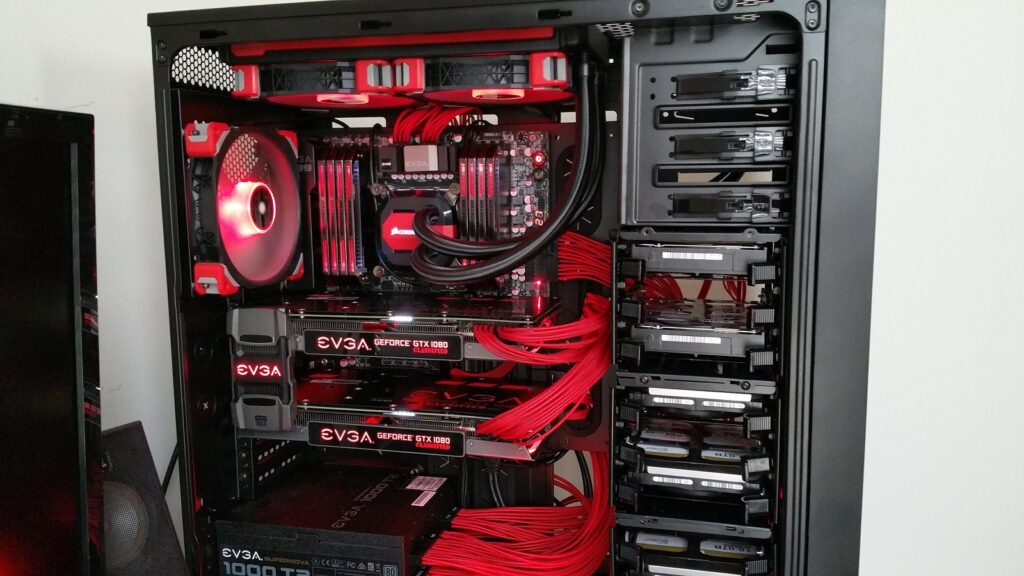
Besides temperature, dust is also a leading cause of damage to PC components. If you’re in a closed room with air conditioning, feel free to leave it open. However, if you’re in a dusty environment, the benefits will certainly not outweigh the harms. Let me give you an example for better understanding. My room faces a busy street and has no air conditioning, so during the day, I always open all the doors and windows to keep it cool. Previously, I used a cheap case that couldn’t accommodate many fans, and my graphics card was quite hot, so I always left the case open. Thus, every 1 to 2 months, my computer would stop working, and I had to clean the dust off the RAM to fix it. Dust would accumulate on the backplate of the graphics card, requiring me to clean it every two months. It wasn’t until I bought a well-sealed case with a dust filter and sufficient fans that this issue ceased, making maintenance much less of a hassle.
Opening the case should only be done in a very clean environment. Therefore, if your room is like mine, it’s best to buy a case with a dust filter and install some fans for use. Having a sealed case also helps protect your components from external threats like lizards, mice, insects, water, and anything else that might accidentally get into the case.
Cleaning the computer too often
Being clean is good, but not in this way. This is also one of the main reasons I advise you not to open the case unless you’re in an extremely clean environment.
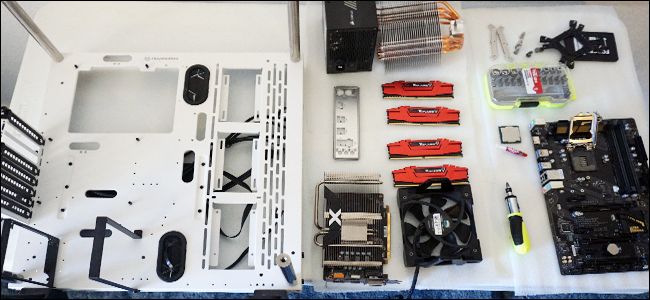
Electronic or mechanical components should be handled with care; it’s best to limit how often you take them out and put them back in. Frequent disassembly can quickly wear out the contact pins of the components, especially the gold plating on the RAM and PCIe pins. SATA cables and power cables can also become loose quickly. Worn contact pins can lead to poor connectivity, which can be very harmful; at its worst, your machine might not boot, and at its worst, it could lead to electrical shorts and fry your components.
The advice here is that instead of frequently taking out components for cleaning, you should find ways to keep them cleaner for longer. Start by keeping the case closed.
Putting items on the laptop
This is quite common, especially among students who put notebooks and documents on their laptops. For lightweight items like paperwork, it’s not a problem, but if you toss a stack of books or a dictionary on it, then there will be issues.

The back cover of a laptop houses the screen, which is extremely fragile. Placing heavy objects on the laptop can cause the back to bend and break the screen. Whether your laptop’s back cover is made of plastic or metal, thick or thin, hard or soft, placing items on it is unwise. Essentially, laptops are not designed to be used as trays for items.
Running Stress Tests at the slightest opportunity
The purpose of a stress test is to push your components to their maximum capacity to check their stability under those conditions. It only helps you test the quality of the components, providing no real benefit. Running stress tests frequently is akin to revving your motorcycle; it wears out components very quickly.
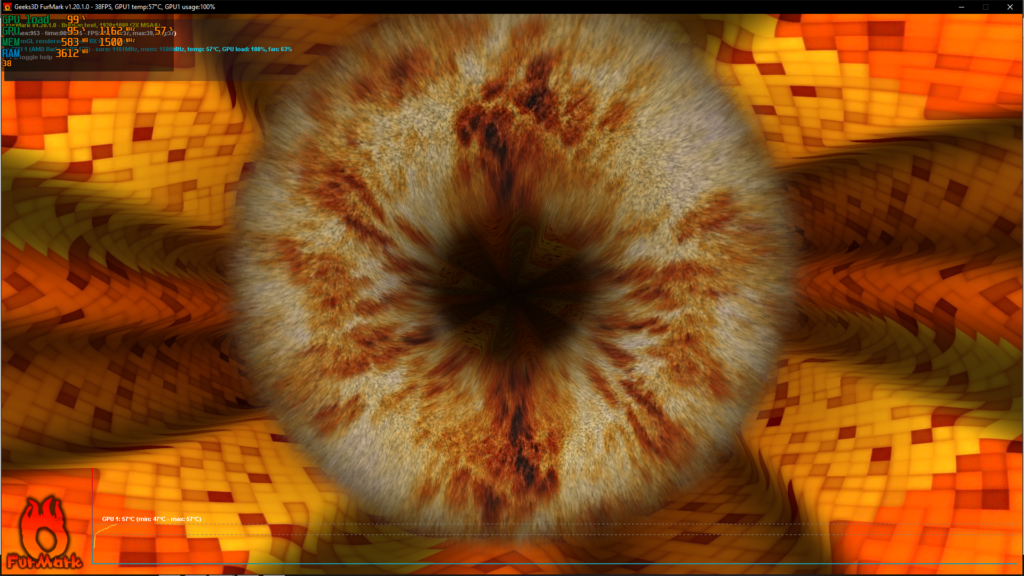
I’ve seen many people stress test their machines just to check the temperatures. Instead of indiscriminately stress testing, you can use temperature monitoring applications to better control your machine’s status during regular usage.
I know of a case where Person A sold a graphics card to Person B. Person B thought FurMark was a temperature measurement tool, so he ran it 24/7, even leaving the machine idle. As a result, after 2 months, the card reached 90 degrees, and he blamed Person A for selling a defective product.
Playing pirated games uncontrollably
This may not directly harm your computer, but it does degrade your experience, which is why I’m including it in this article.
Anything free is tempting, but do you think people invest time and effort to commit illegal acts just to release a copyrighted product for you to play for free? No way.

How they crack a game is their business, and what they install in that cracked version is their right. Usually, any cracked version requires admin rights to run, and once you grant admin rights, that cracked version has full authority over your computer. Things like viruses and malware are just about unavoidable. Some cracking groups even add malware to utilize a portion of your GPU power to “mine” cryptocurrency for them. The most noticeable symptom is that your GPU will always be hot from running at full capacity, but your FPS will be lower than when playing a legitimate game.
Additionally, I want to mention that I’ve seen many people mindlessly click next without looking at the content of the notifications. This can be quite harmful because you won’t know where the game is installed and whether the installer is adding any other software (this is very common with cracked games). So it’s best to take a few seconds to be aware of what you’re doing before clicking next each time.
According to Gearvn