


However, using a wired network has its own advantages that WiFi cannot offer. In this article, let’s explore the pros and cons of these two types of connections together.
Data Transmission Speed
Theoretically, wired networks are always faster than WiFi. Although WiFi has made significant advancements in recent years, with the 802.11n standard achieving speeds of up to 150 Mb/s and the 802.11ac standard reaching up to 866.7 Mb/s, WiFi can easily handle most daily tasks. WiFi 6 has a theoretical speed of about 9.6 Gb/s, but in reality, most routers today only support about 5 Gb/s, and devices compatible with WiFi 6 are still not widespread. On the other hand, Cat6 network cables offer speeds of up to 10 Gb/s, while the more common Cat5e cables provide speeds of 1 Gb/s, easily outpacing WiFi.
However, in reality, very few Internet packages can exceed the maximum speed of 150 Mb/s of the 802.11n standard, let alone other faster cables or WiFi types. Even switching to a wired connection won’t necessarily increase your Internet speed.
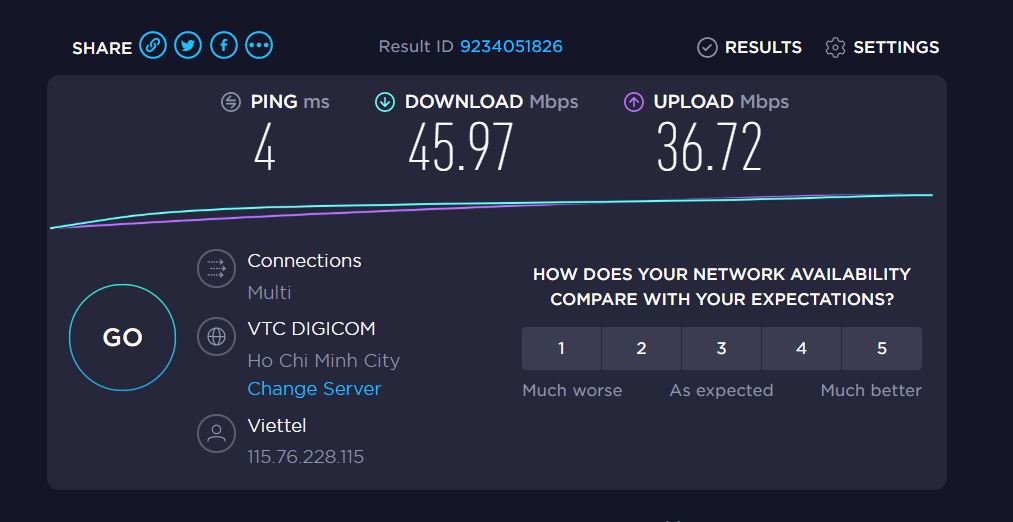
You will only notice the speed advantage of wired cables compared to WiFi when you need to create a LAN to transfer files between different computers at home. Of course, transferring data between computers on the same LAN is independent of Internet speed. Using a cable will definitely be faster than WiFi and will fully utilize your hardware’s speed.
Latency
Besides network speed, latency is also a significant factor affecting your experience. Many gamers might not understand the term latency, but it actually refers to the “ping” when we play games. Essentially, latency is the time it takes for your computer to receive or send information to servers, and lowering the ping to the lowest possible level will definitely make gaming smoother. If you want to minimize ping, using a wired connection is the best choice, as WiFi typically has much higher ping.

You can test the difference in ping between using a cable and WiFi through the Command Prompt. The method is straightforward: open Command Prompt from the Start Menu search bar and type ping 192.168.1.1 or ping 192.168.0.1 and press Enter. This shows the latency from your computer to the router, with the number of milliseconds (ms) in the Average line representing the actual ping. Check once with WiFi and once with a cable to see the difference.
Stability
Wired networks are certainly more stable because WiFi is susceptible to interference. Thick walls, concrete floors, and household items can easily block WiFi signals, and in some cases, signals from neighboring WiFi networks can cause interference as well. While you can mitigate these issues by repositioning your WiFi router, creating a separate network on a different frequency from nearby WiFi, or placing the router away from other electronic devices, the reliability of WiFi is still much lower than that of wired networks.
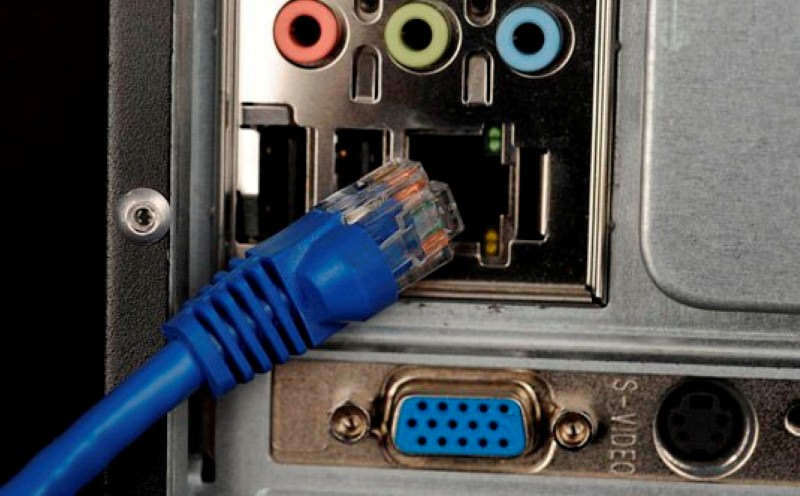
When experiencing interference, you may encounter issues such as disconnections, high ping, and reduced Internet speeds. If you’re just browsing the web or watching YouTube, a little slowness isn’t a big deal, but when it comes to gaming, these problems can be quite frustrating. Compared to wired networks, which just require plugging in a cable to use without worrying about interference, it’s clear that WiFi is at a disadvantage.
Mobility and Convenience
Despite the many advantages of wired networks, convenience is the factor that keeps WiFi playing an important role. If you need to move around the house using a smartphone or tablet, you definitely need WiFi. Even if you’re using a laptop, WiFi tends to be more suitable as it significantly enhances the mobility of your laptop. With WiFi, you don’t have to sit in one spot to use the Internet; as long as you’re within the coverage area, you will have Internet access.

In conclusion, wired connections have advantages in speed, lower latency, and greater stability. If you only have a single PC, you should use a wired connection for the best gaming and movie-watching experience. However, WiFi provides convenience and adequately meets the daily needs of most users. If you use mobile devices like laptops or smartphones, WiFi is the more sensible choice.
You can refer to the summary table of the pros and cons of WiFi and wired networks below.
| Advantages | Disadvantages | |
| WiFi | Convenient, portable | Prone to signal interference |
| Wired Network |
High data transmission speed
Low latency More stable |
Not portable
Tangled cables |
Source: How To Geek, translated by Gearvn