


On the morning of September 13, Apple officially released iOS 16 for compatible iPhone models. At the same time, an iOS 15.7 version for older iPhone models has also reached users.
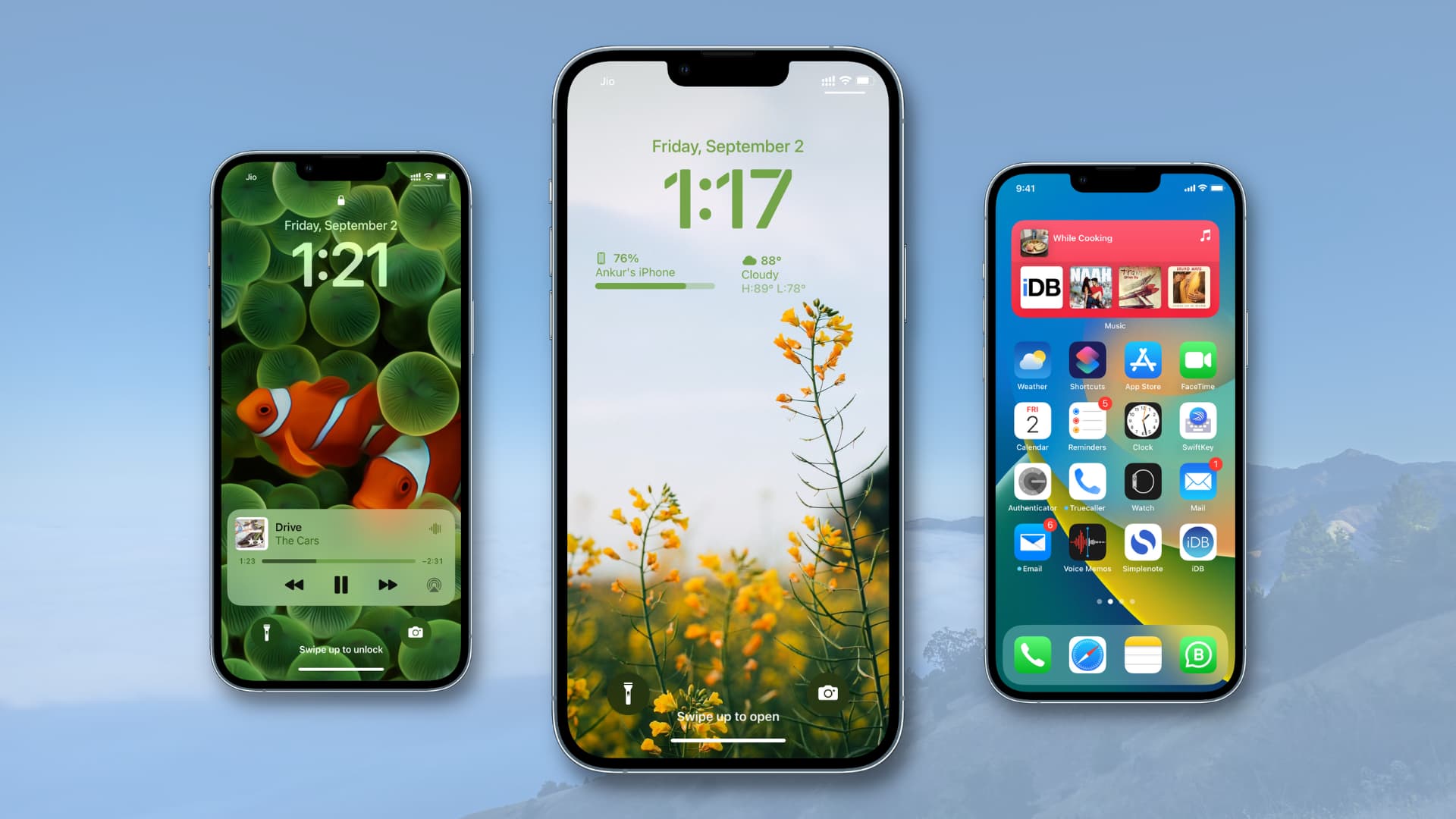
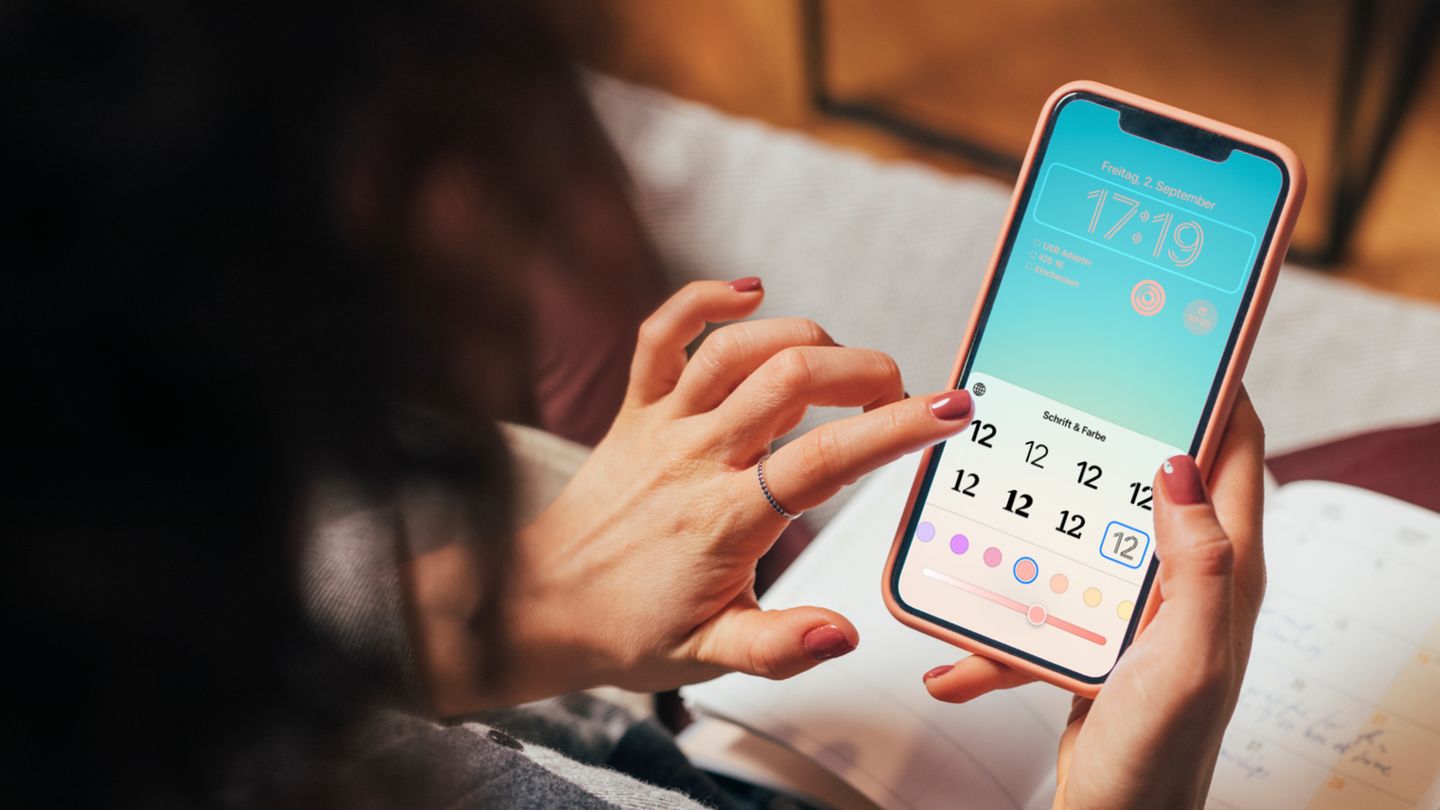
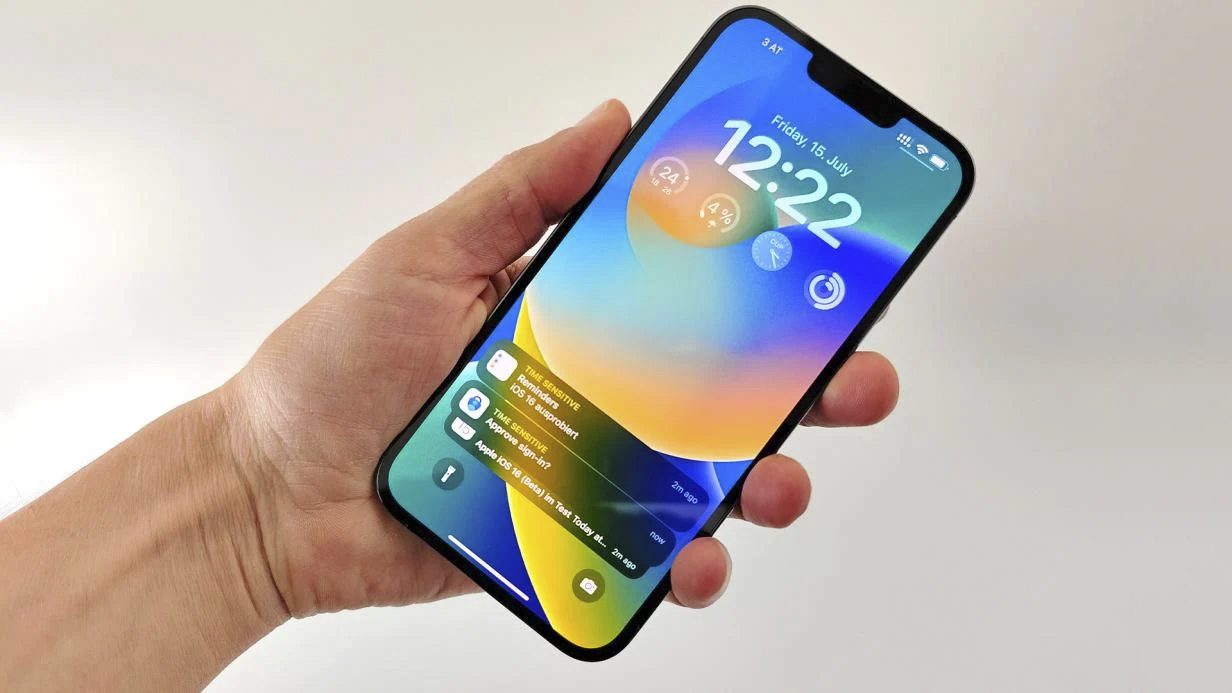
As a major update from Apple after many years, iOS 16 stands out with changes to the lock screen, customizable fonts, widgets, and performance improvements for devices. However, according to user feedback, the iOS 16 update also comes with some peculiar bugs.
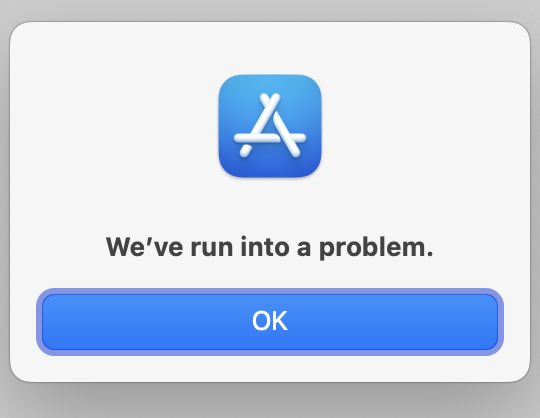
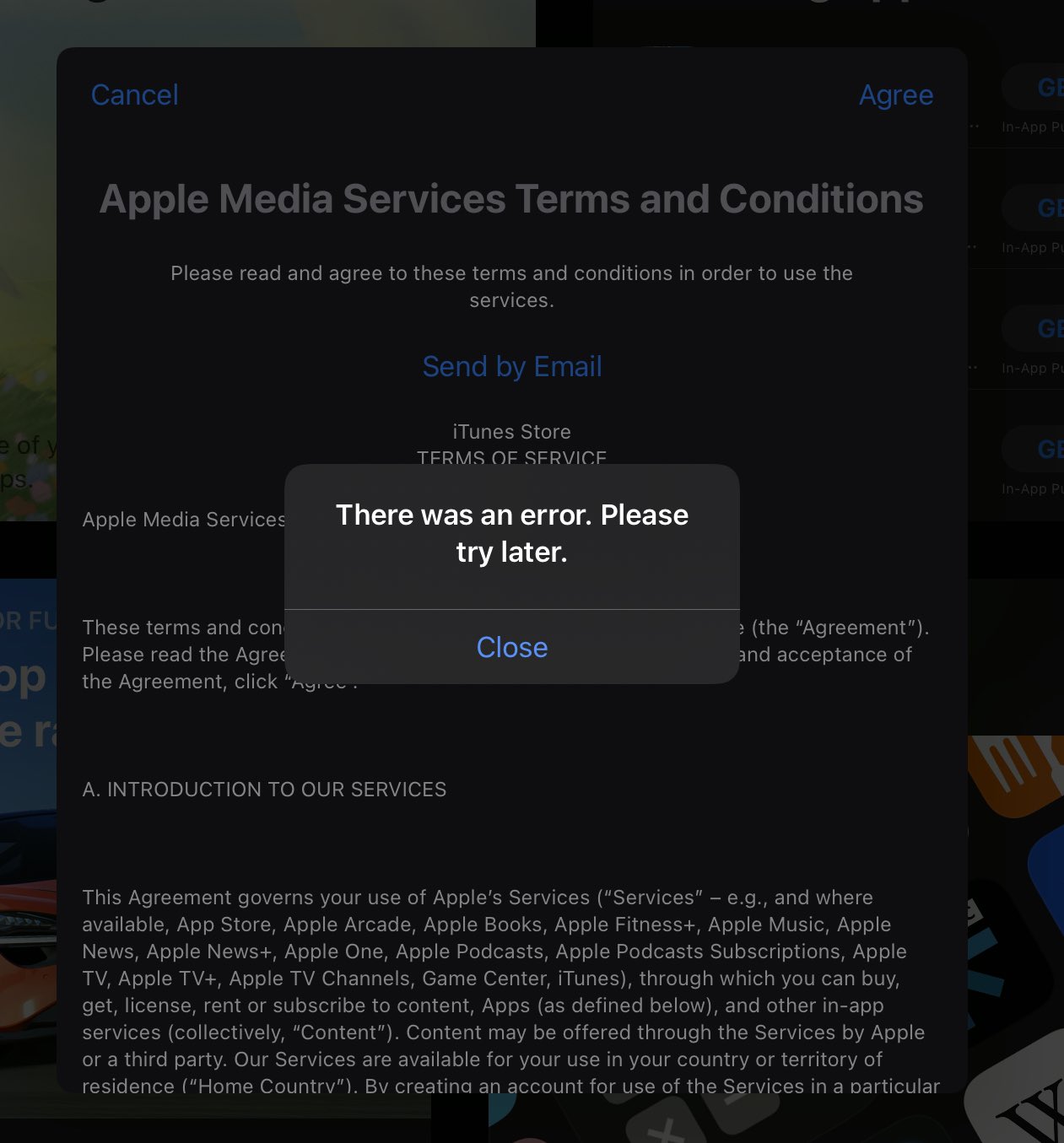
According to 9to5Mac, many iPhone users have encountered issues when accessing the App Store. These users report being unable to install app updates. When accessing the app store, the App Store prompts users to agree to new terms of service, but after hitting the agree button, random error messages appear immediately.
In Vietnam, many users have updated to the new iOS 16 version. Most are pleased with the smoothness and new features in iOS 16, but the update also has some bugs and is not yet fully stable.
“I noticed the navigation bar on my iPhone 11 Pro freezes when typing the password,” M.Anh shared after upgrading to iOS 16. “The battery also drains quite fast after the update“.
According to most iPhone users in Vietnam after the upgrade, the iPhone experiences issues with the AssistiveTouch button freezing after the update. Meanwhile, the keyboard freeze issue has not been completely resolved.
“The AssistiveTouch button often freezes and cannot be moved,” Quoc Anh shared his experience after upgrading to iOS 16 on his iPhone 13 Pro Max.
In this case, iPhone users are advised to go to the accessibility settings, toggle this feature on/off to resolve the annoying issue.
Aside from minor issues that do not significantly affect the user experience, a more serious issue reported by some users after updating to the new iOS is signal loss or unstable signal.
In fact, this is not the first time iPhone devices have encountered issues after updating to a new iOS version. Last year, after Apple released iOS 15, many iPhone devices experienced no signal after upgrading to this operating system.
Experts recommend that users affected by these issues try restarting their devices or restoring factory settings while waiting for a bug fix from Apple. However, make sure to back up all important data to iCloud or a computer before performing a reset.
Since iOS 15, users can choose to remain on the old iOS even when a new version is released. If staying on iOS 15, users will continue to receive important bug fixes but will not experience new features on iOS 16. Of course, users can still choose to upgrade to iOS 16 at any time.