


The new iOS 14 version brings many notable upgrades in terms of interface as well as accompanying features. One of the features that Apple did not mention at the WWDC 2020 event held early this morning, but is extremely useful for iPhone users, is the “Back Tap” feature. This feature allows users to perform actions such as locking the screen, taking screenshots, or turning off Wi-Fi just by double or triple tapping the back of the device.
To activate the “Back Tap” feature, iOS 14 users just need to follow these steps:
– Open Settings
– Go to Accessibility > Touch > Back Tap
– Customize the action settings for each action (double tap or triple tap)

Go to Settings > Accessibility > Touch > Back Tap
At the moment, with the first beta version of iOS 14, it seems that the “Back Tap” feature will only be available on iPhone models from X and above (iPhone X, iPhone XS/XS Max, iPhone 11/11 Pro/11 Pro Max), possibly due to some hardware limitations, so we will need to wait until the official iOS 14 release to know specifically which devices will support it most completely. This feature will also not be compatible with iPad.
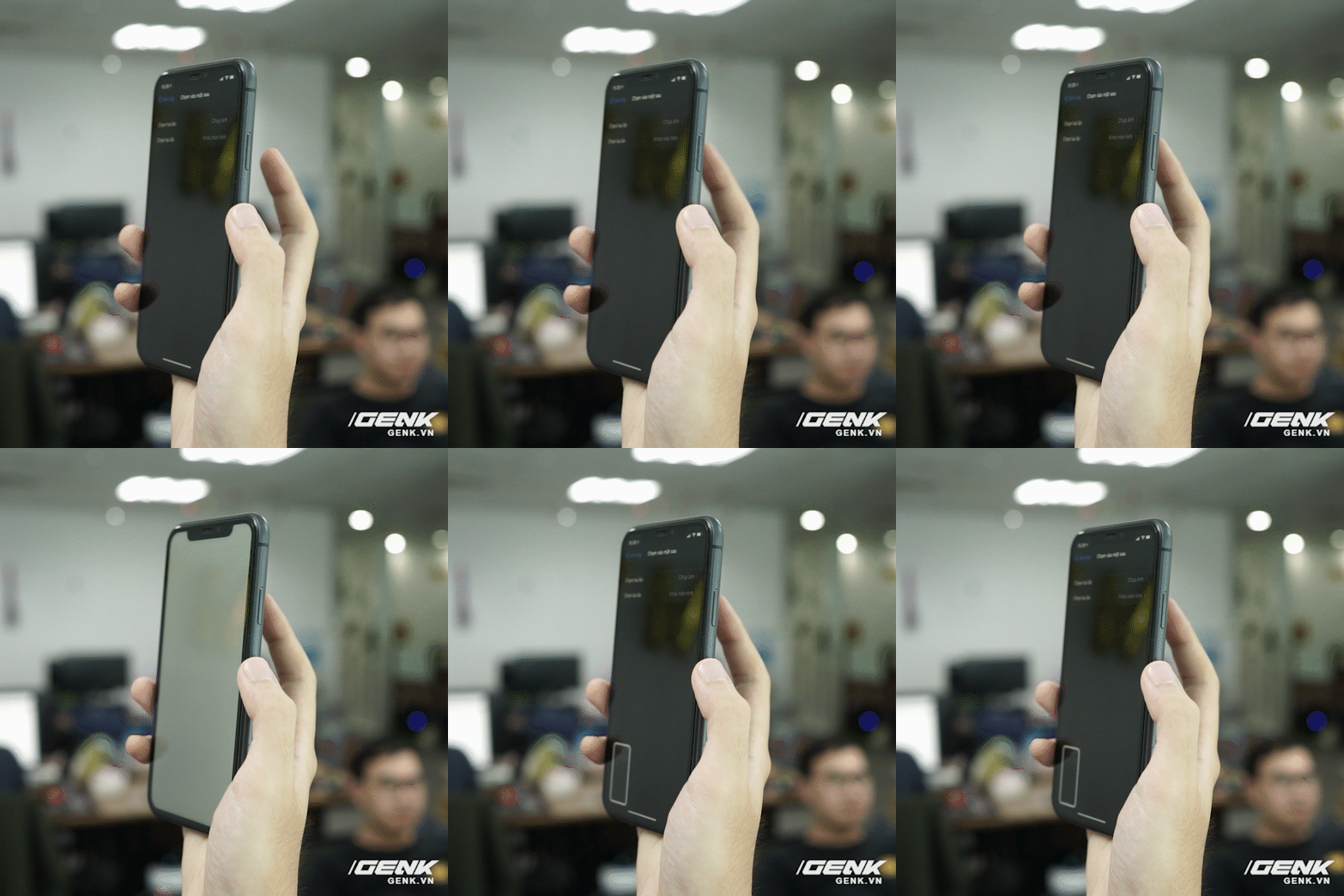

The “Back Tap” feature is quite useful as now iOS allows users to customize a series of available actions, helping to save a lot of time during use. This is just one of many interesting features available in the new iOS 14.