


The iPhone is one of the smartphones regarded for its durability over time. However, certain habits and improper usage can lead to your iPhone deteriorating faster than ever. According to Apple, here are the mistakes that users commonly make when using their iPhones.
1. Keeping the case on while charging
Apple notes that removing the case from your iPhone before charging can help keep the device’s battery from degrading faster.
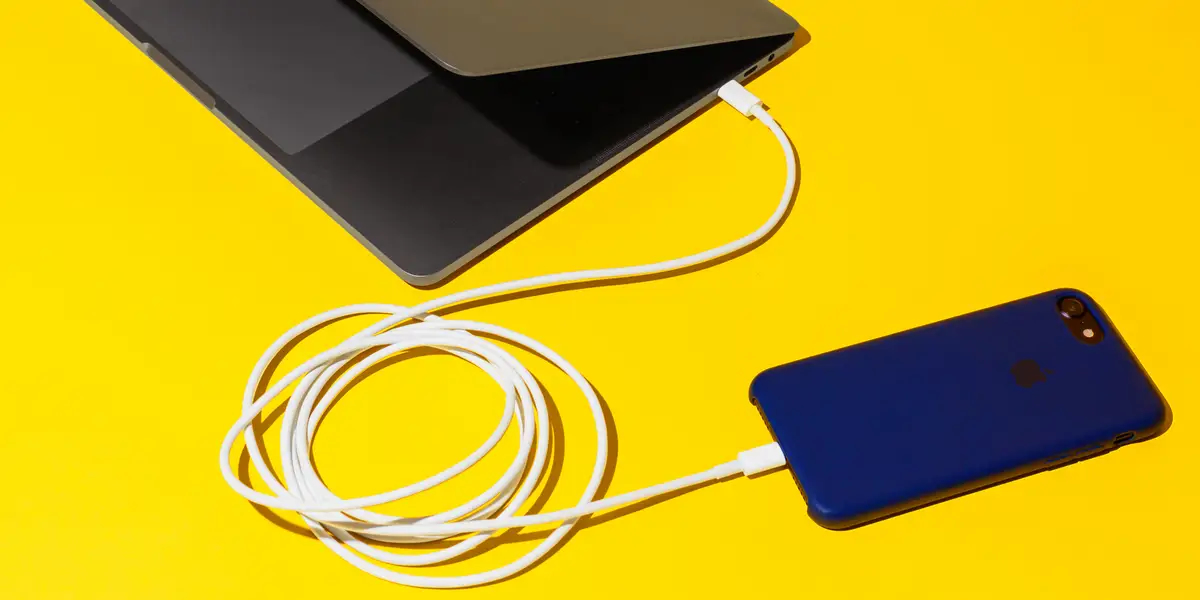
Some phone cases can generate excess heat, affecting the battery capacity of the device. This may be due to the thickness of the case or the material used.
For example, materials like leather provide better insulation than silicone, making your iPhone more likely to overheat while charging.
According to Apple: “If you notice your device getting hot while charging, quickly remove it from the case.”
2. Using the device when it’s too hot
High temperatures can negatively impact smartphones – and Apple’s expensive iPhones are no exception. Apple explains: “Both low and high temperature conditions can affect the device.”
According to the tech giant, the ideal temperature for the iPhone is between 62 to 72F (approximately 16.6 – 22 degrees Celsius). Colder temperatures can lead to a temporary reduction in battery life, but higher temperatures can permanently reduce the device’s battery lifespan.
On hot days, iPhones can easily exceed normal operating temperatures. Apple has specific warnings about what you should definitely not do with your iPhone during this time:
– Do not leave the device in a car on a hot day
– Do not leave the device in direct sunlight for extended periods
– Avoid using certain features in hot conditions or direct sunlight for long periods, such as tracking or GPS navigation in vehicles, playing graphically intensive games, or using augmented reality apps.
To avoid risks, even on days that aren’t too hot, you should also avoid placing your iPhone in cramped spaces, such as under bed covers or in your pocket.
Additionally, if you feel your phone getting hot, stop using it – or even turn it off. Avoid using heavy apps for extended periods. This is particularly important for gamers, as high-graphic games can quickly heat up the phone’s processor.
3. Forgetting to use “Low Power Mode”
“To reduce energy usage and extend battery life, enable “Low Power Mode”“, says Apple.
Low Power Mode will disable some power-hungry features on your iPhone when activated. For example, it limits background app activity, restricts data refresh, etc., to save energy consumption.
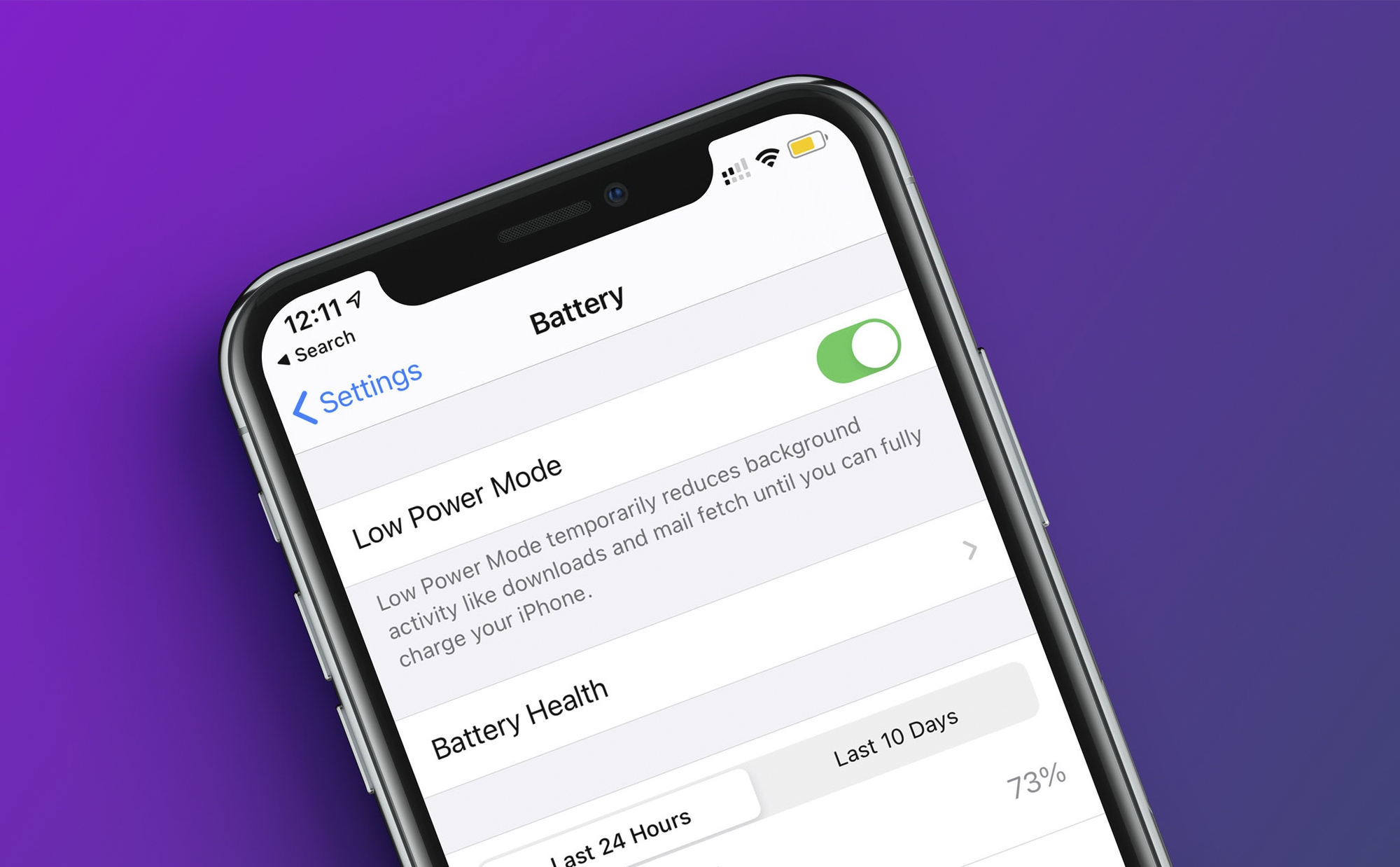
According to official information recorded on Apple’s homepage, the disabling of these background features will be reversed when the user turns off the mode or the device’s battery level is at or above 80%.
To enable Low Power Mode, go to Settings > Battery and activate this option.
4. Not using “Auto Brightness” mode
Many people prefer to set their phone screen to maximum brightness – but in reality, the screen brightness doesn’t always need to be at its highest level. For instance, in dark spaces or at night, the bright light from the phone can strain the eyes.
Additionally, the brighter the phone screen, the faster the battery drains.
Therefore, consider enabling Apple’s “Auto Brightness” feature, which adjusts the screen brightness based on the surrounding light no matter where you are. This feature can significantly improve the device’s battery life over time and is a convenient way for the brightness to adjust to appropriate levels.
To enable Auto Brightness, go to Settings > Accessibility > Display & Text Size and activate this option.