


Do you have an old Android phone lying around in a drawer? Then try turning it into a monitor for your PC, displaying metrics like CPU and GPU load, PC temperature, and more while you play your favorite games.
Why Add a Phone Screen to Display Metrics?
Monitoring these metrics isn’t something new; there are plenty of software options on PC that can display metrics such as CPU and GPU load, component temperatures, fan speeds, and more.
The problem is, when you’re immersed in your favorite game, suddenly hearing a fan noise, you may not be sure if it’s coming from the game or your PC. You definitely don’t want to alt + tab out and wait several seconds for the switch. This kind of interruption can be quite annoying.
By running a monitoring app on your phone, you gain a separate screen that displays your PC’s metrics. Plus, you get to utilize that old smartphone you weren’t using – reducing electronic waste, what could be better?
How to Do It
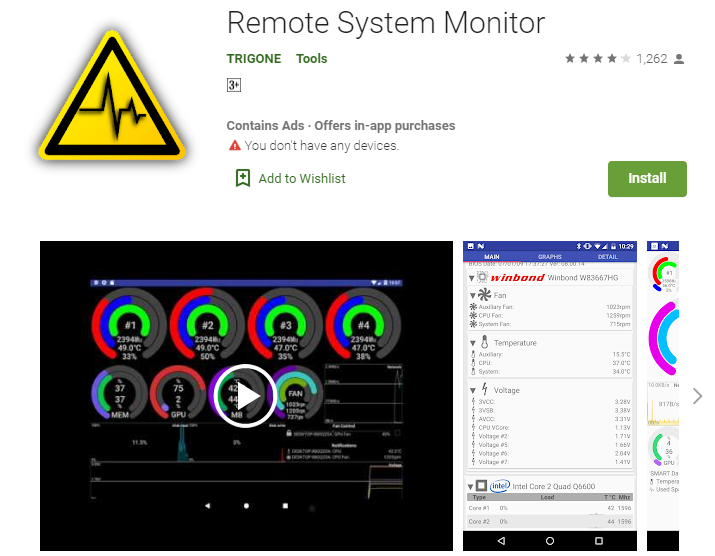
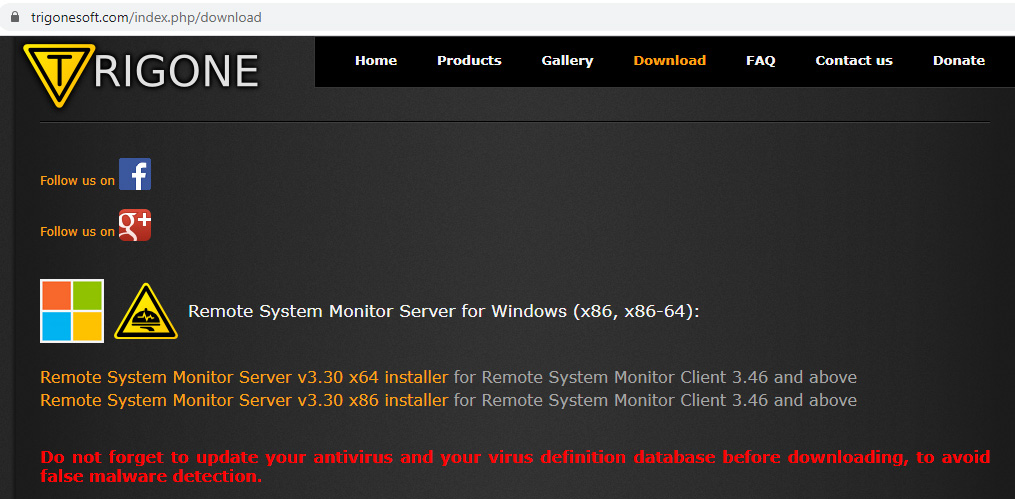
A Reddit user, div2691, posted this idea – explaining that all you need is an Android phone. You can head to the Play Store to download and install an app called Remote System Monitor (produced by Trigone). After installation, you’ll receive a link to download the app on the PC you wish to monitor and install it on that PC.
Whenever you play a AAA game and hear the fan, just glance at your phone to know immediately whether that sound is from the game or your rig is crying out. Moreover, if you experience lag and suspect the system is bottlenecking, you can monitor CPU and GPU load while playing and diagnose the issue right away. How convenient is that?
Be Careful of Overheating!
You can place the phone wherever you like, but if you want to put it inside the case like in the picture posted by div2691, you need to watch out for temperature issues. Having the phone running 24/7 in the case could cause it to overheat, and the battery might explode.
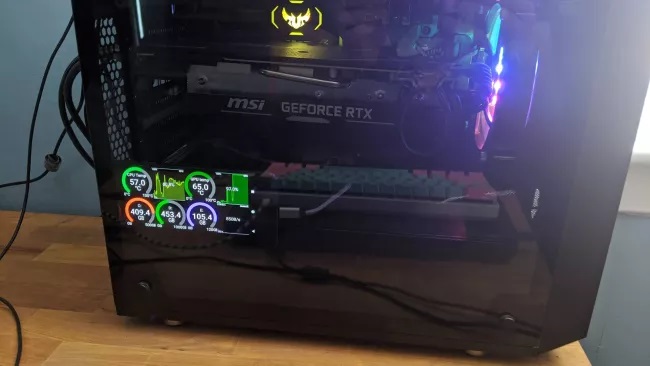
But generally, keeping the phone inside the PC case, which is also hot when the machine is running, is a bit risky; you can choose to accept that risk and proceed. However, it would be better to place the phone outside the case, next to the main monitor (maybe on some DIY stand) and only plug it in when needed.
Naturally, the lifespan of the Android device will decrease, so this method is only suitable for old devices that you don’t use anyway. Make use of it – instead of letting a once-expensive device gather dust.
Source: Techradar translated by HanoiComputer