


In fact, it’s not just for aesthetic purposes; there are many other reasons behind this change. Let’s explore!
*Please note that in this article, I will only consider typical mainstream cases. There are so many models available that it’s impossible to cover them all comprehensively.
Aesthetics
Power supplies are often not designed with appearance in mind like other components. In the past, most mainstream cases had the power supply mounted on top. They lacked glass panels, and no matter where the power supply was placed, users wouldn’t see it directly. Whether a case looks good or not primarily depends on its design. The power supply doesn’t need to be hidden away.
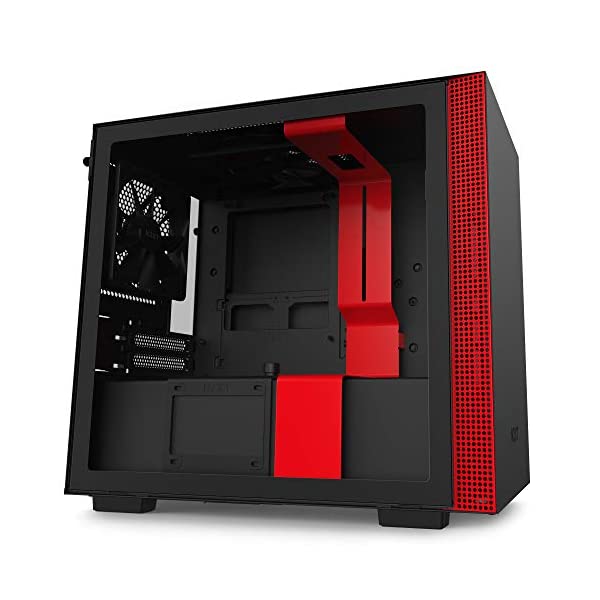
However, as time has passed, components aimed at gamers have become more visually appealing. This led to the emergence of cases with glass panels, which showcase the beauty of the internal components. At this point, a large, clunky power supply can become an eyesore and should be hidden away. Placing the power supply at the bottom of the case separates it from the other components, making the overall look much cleaner and also preventing the power supply from obstructing the view.
Cooling
This is quite obvious; you can see it clearly. Each power supply has cooling fans to actively cool its components (except for some unusual models). In the past, when the power supply was placed right below the top of the case, its fan was positioned very close to the CPU cooler. Consequently, these two fans would constantly compete for cool air. While the actual impact may not be significant, it definitely has some effect.
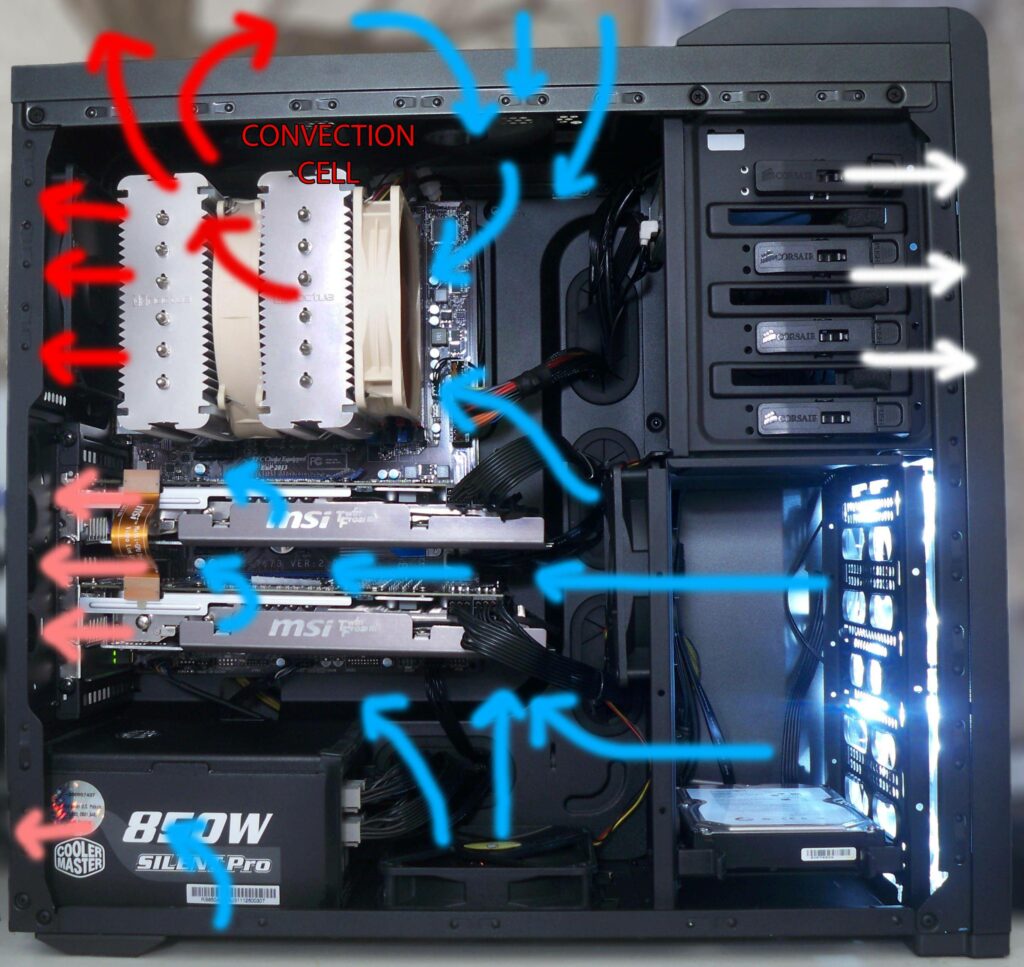
When the power supply is placed at the bottom, its fan draws air through the bottom of the case, meaning it has its own airflow and no longer competes with the CPU or GPU for air. More cool air means better cooling performance. For gaming rigs that prioritize performance, every little enhancement counts.
Many current cases also support mounting exhaust fans at the top. Placing the power supply right under the top of the case significantly reduces the available area for airflow at the top. The solution is simple; just drop the power supply to the bottom, allowing for ample airflow. You can freely install RGB fans, ensuring better cooling and aesthetics.
Power Supply Support Structure
In older office cases where the power supply was positioned near the top, there was usually a ledge to support the weight of the power supply. Some inferior cases lack this ledge entirely, relying solely on four screws at the back of the power supply, making it prone to sagging, especially for high-quality, heavy power supplies.
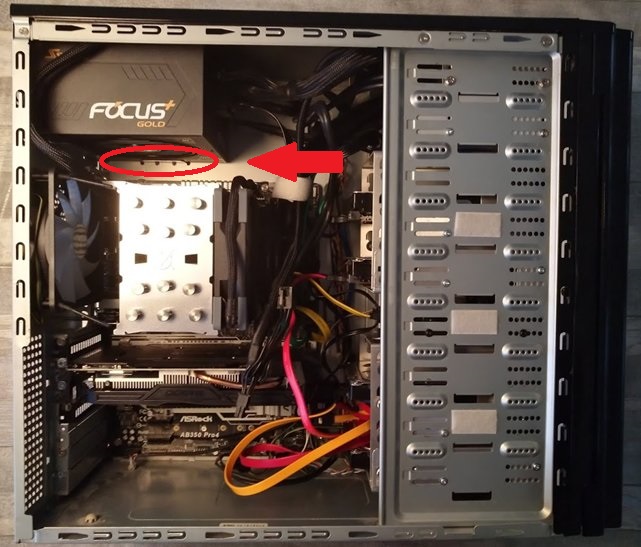
Placing something on the ground is always easier than suspending it. Clearly, placing the power supply on the case floor is more convenient than creating a ledge to keep it on top. Hence, it makes sense for the power supply to be moved from the top to the bottom of the case; it’s just following nature.
Power Cables
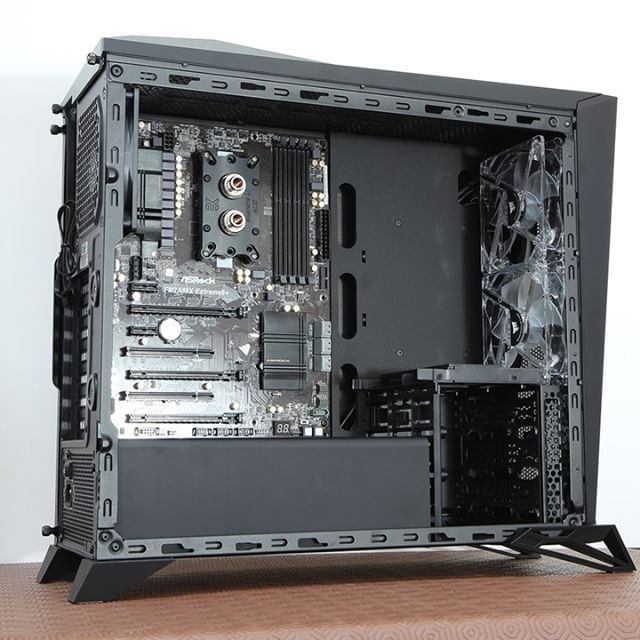
When the power supply is on top of the case, the power cables are also positioned higher than the I/O ports. This can be somewhat cumbersome during use. In cases where power cables become loose over time, accidentally brushing against them can cause the system to shut down unexpectedly, which is incredibly frustrating. If the power supply is on the bottom, you won’t need to touch the power cables unless you intend to unplug them.
Drawbacks to Consider
Based on the points we’ve discussed, it’s clear that placing the power supply at the bottom of the case offers significant advantages over placing it on top. However, there is one drawback to keep in mind. When the power supply is located at the bottom, the air it draws in will be from underneath the case. So, remember to keep the area under the case clean to avoid dust buildup. Dust filters can only catch hair, fluff, small paper pieces, or pet fur; they won’t be effective against fine dust.
According to Gearvn