


Since its release until now, CS 1.6 has remained a game that many choose as a tool for entertainment after long hours of stressful work or study.
Currently, you can play CS 1.6 on the web. Just recently, a group called CS-ONLINE.CLUB introduced the web version of CS 1.6, allowing gamers to experience this game completely free of charge. Below is a guide on how to play CS 1.6 on the web.
Guide to playing Counter Strike 1.6 on the web
Step 1: Access the link below, and you will see a selection area with Asia and India (Asia and India) pre-checked.
https://cs-online.club/en/servers
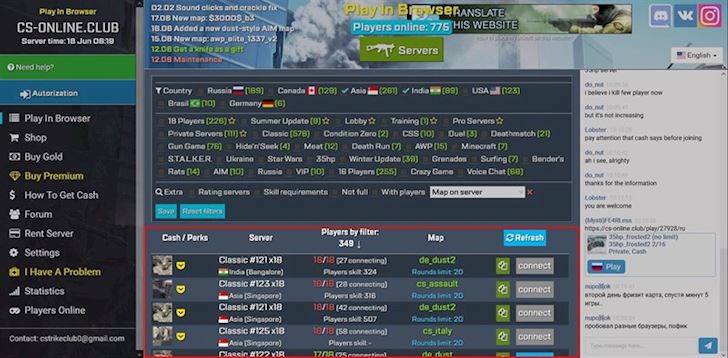
The CS web currently has several servers located in Asia, Russia, the USA, India, Canada, Germany, and Brazil. Select the country you want to play in, and servers will appear below, along with the game mode and map. The familiar maps include de_dust, de_dust2, cs_assault, cs_italy.
Step 2: Click Connect, and you will immediately enter the game room. Click Full Screen to maximize the screen for playing. The controls for CS 1.6 web are the same as the default controls for CS 1.6 on PC. Wait about 5-10 minutes for the game to load completely.
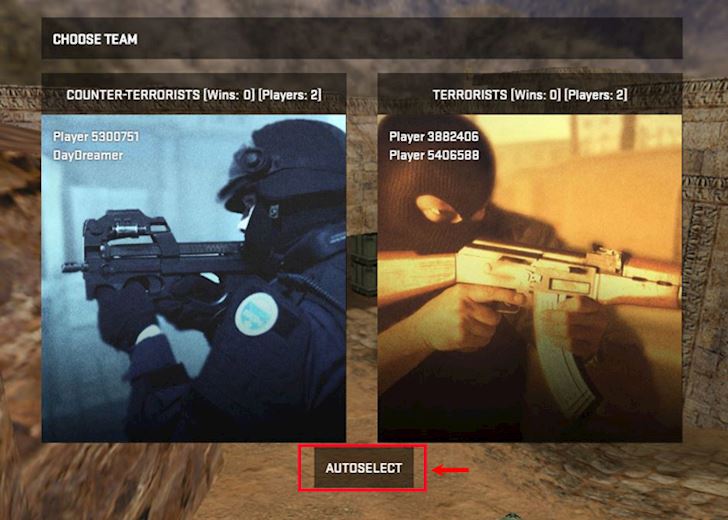
Step 3: Choose your team; here you will also see the number of players and the rounds won by each side.
Step 4: Press the ESC key to show the mouse and exit the game.
Now you can play CS 1.6 on the web without needing to download the game. For those who are used to using the Del key on the right to buy, it might take a bit of time to buy using the B key.
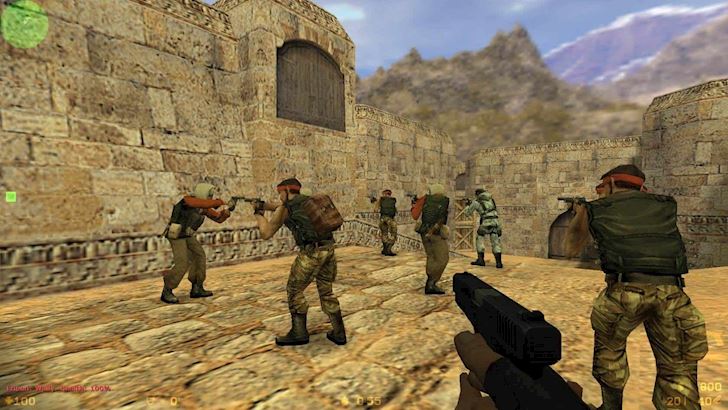
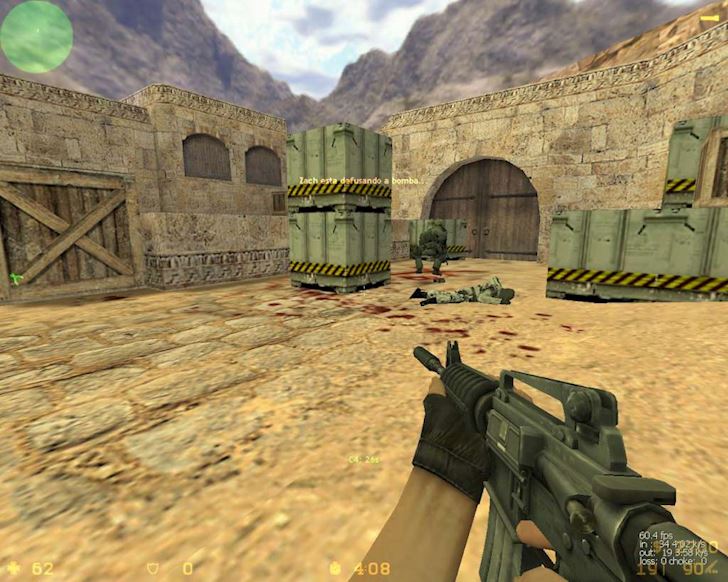
Wish you success, and remember to invite a few of your close friends to join in for an exciting game!
According to Oxii