


Today, I will guide you on how to summon a cat that can shoot lasers from its eyes right on the Google Chrome search page.
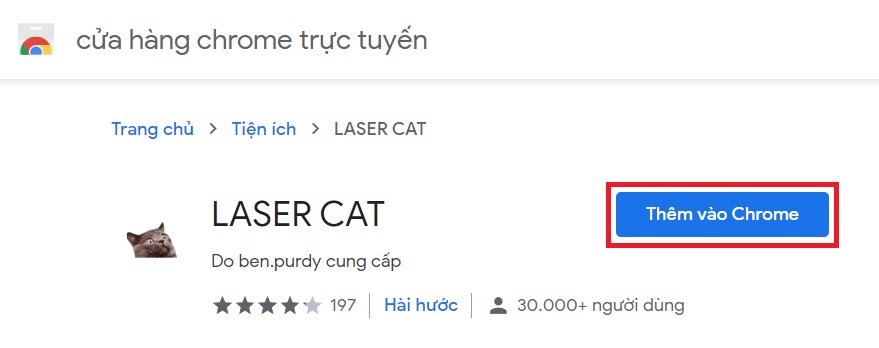
Step 1: First, visit the Chrome Store here. Then select Add to Chrome.
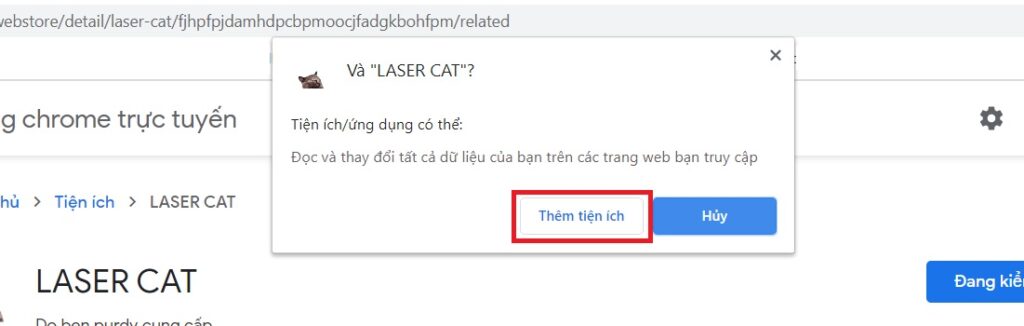
Step 2: When the confirmation dialog appears, select Add extension.
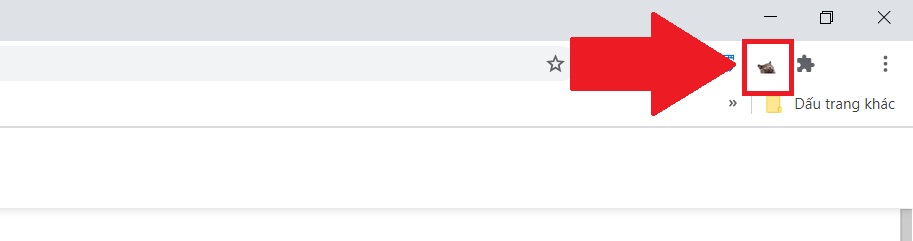
Step 3: If the cat icon appears in the upper right corner of Chrome, it means you have successfully added it.
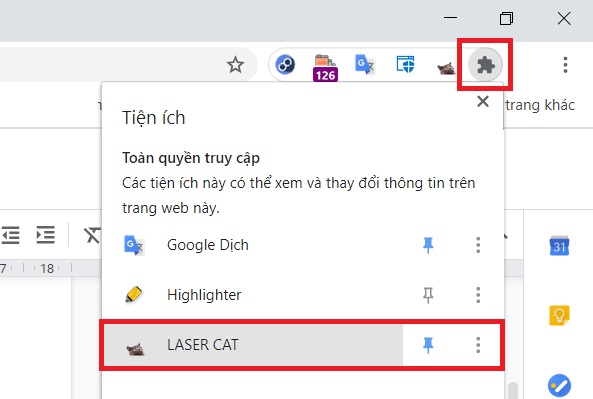
If you don’t see it, you can click on the puzzle piece icon to check.
Step 4: To summon this cat, you need to type and hit Enter on something in Google first so that Chrome displays the search results page.
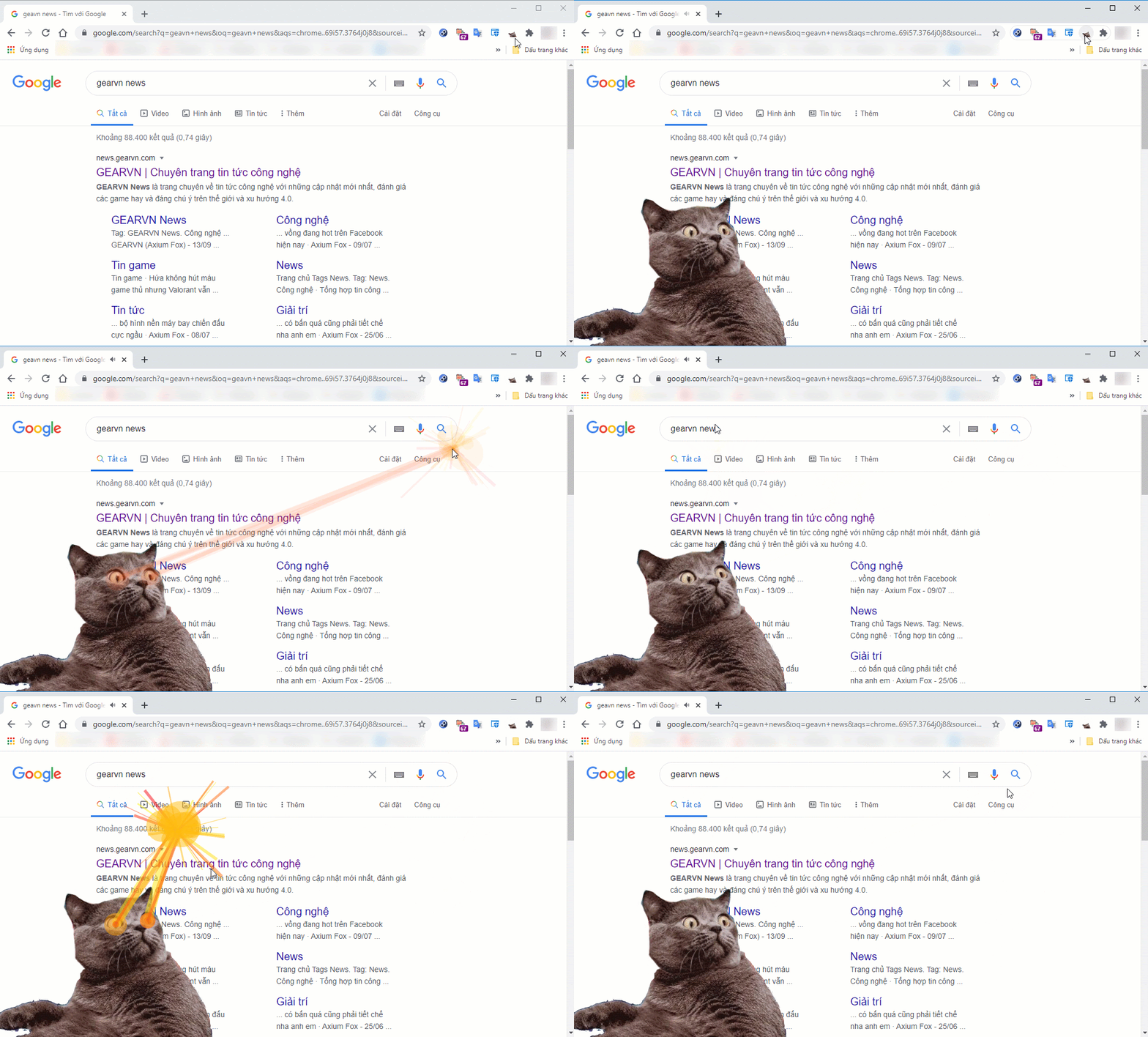
Then, click on the cat icon in the upper right to summon it. Now, every time you click or hold the mouse anywhere on the search results page, the cat will shoot lasers from its eyes to the spot you clicked. If you want to dismiss it, just click on the cat icon again.
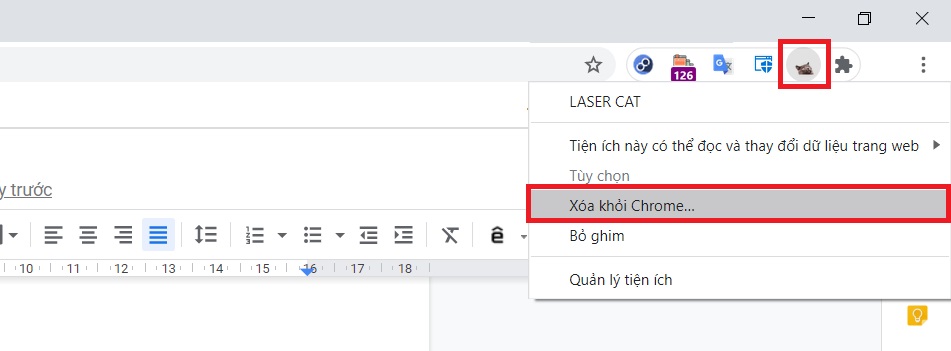
If later you want to remove this extension, you simply need to right-click on the cat icon and select Remove from Chrome.
Thank you for following along!